How to find and fix broken links
A link to a page that no longer exists is a small insult to your visitor.
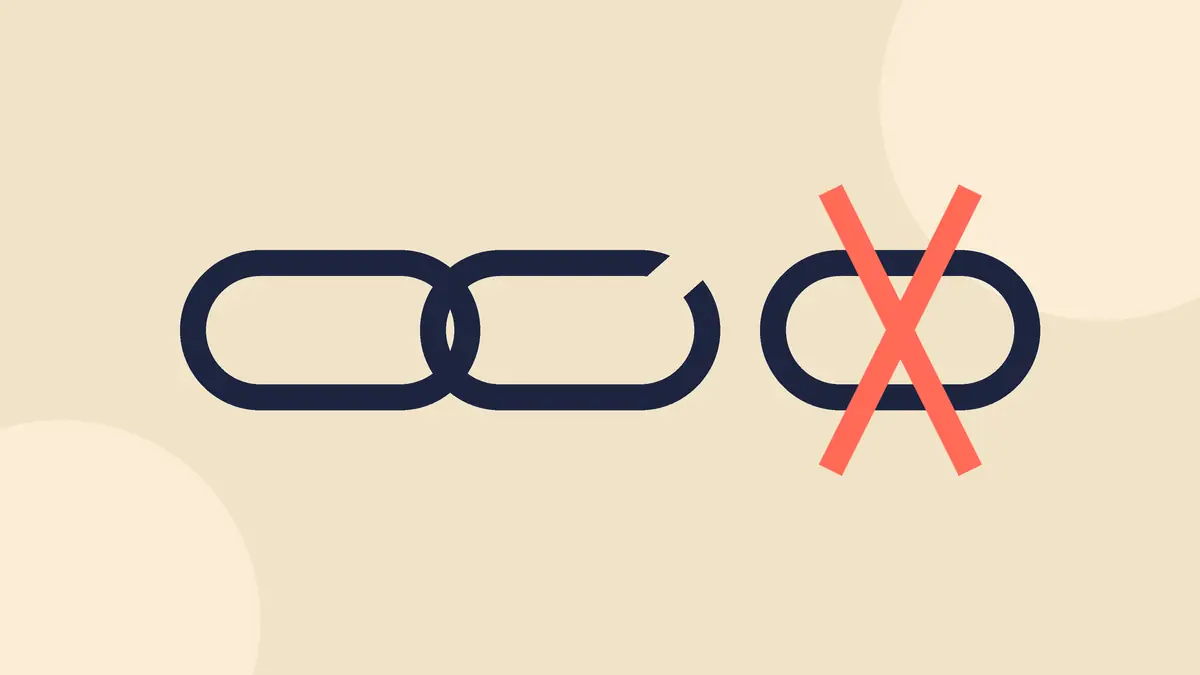
Find them
Run a link checker across the whole site, not just the homepage, and note which page contains each broken link. Check external links as well, because other sites move and close. A monthly check takes minutes and catches problems early.
Fix them properly
If the page moved, update the link. If it was removed, redirect the old address to the closest replacement with a permanent redirect. If nothing matches, remove the link. Do not redirect everything to the homepage, because that confuses people and search engines.

Stop it happening again
Before you delete or rename a page, search your site for links to it. Keep a list of redirects when you redesign. A care plan like ours includes a monthly link check, which is how we found forty dead links on the Fenwick Bikes shop.
Keep reading
- How to write page titles that get clicked: Your page title is the headline people see in search. It deserves five minutes.
- Fenwick Bikes: A well-stocked bike shop whose website took eleven seconds to show a bike on a phone.
- SEO audits: A clear, ranked list of what is holding your website back, written for the owner rather than for a developer.
- Blog: Short, practical notes on getting more from your website.